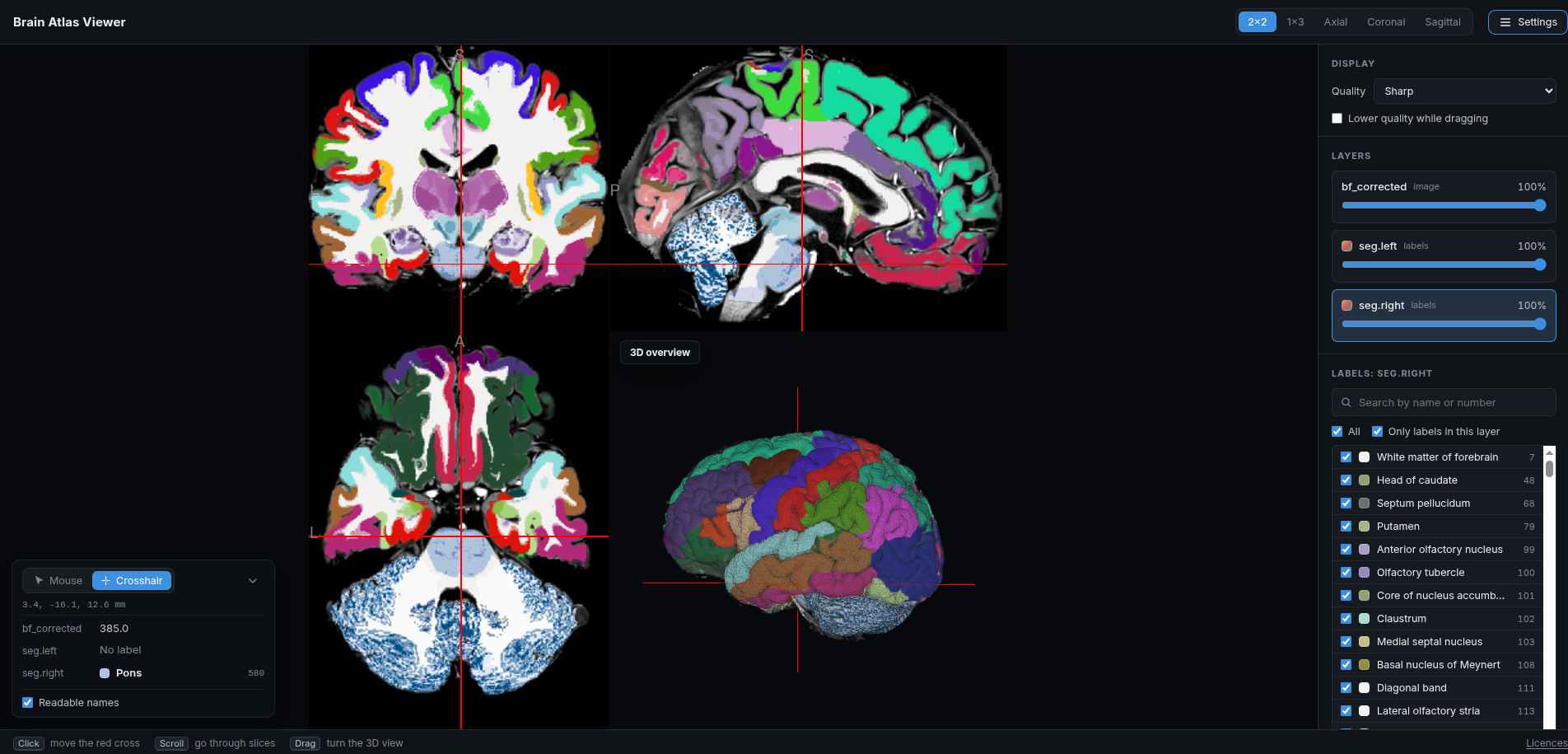
Explore the left and right hemisphere segmentation on the scan, slice by slice and in 3D, and see which structure is at any point.
How to use it
- Show the labels: they start hidden. Open Settings and move the opacity slider of
seg.leftorseg.right. - Navigate: click to move the red cross, scroll to go through slices, and drag to turn the 3D view.
- Change the layout: the buttons at the top switch between 2×2, 1×3 and a single axial, coronal or sagittal slice.
- Identify structures: the box in the lower left shows the coordinates and the label under the mouse, or at the red cross in Crosshair mode.
- Find or hide labels: click a label layer in Settings to list its labels, then search them by name or number and untick labels to hide them.
The viewer opens in a new tab. Use a desktop browser.
To use it offline, right-click the button, choose Save link as…, and open the saved file.